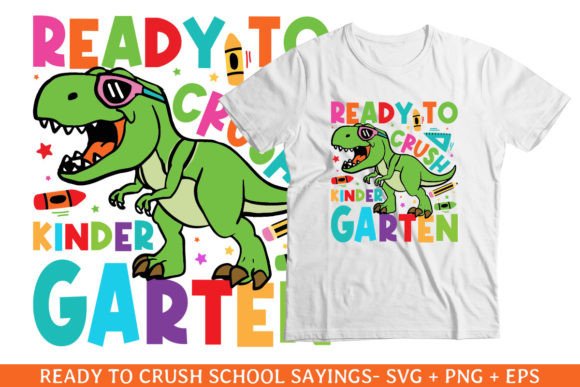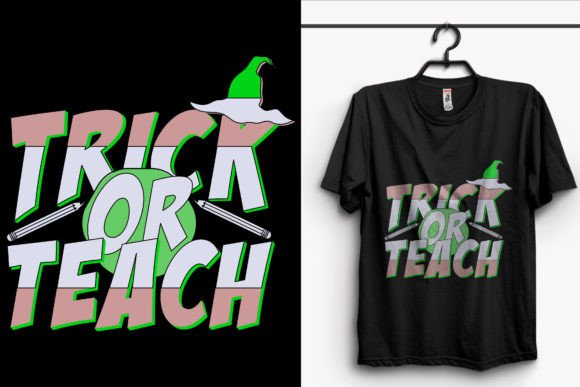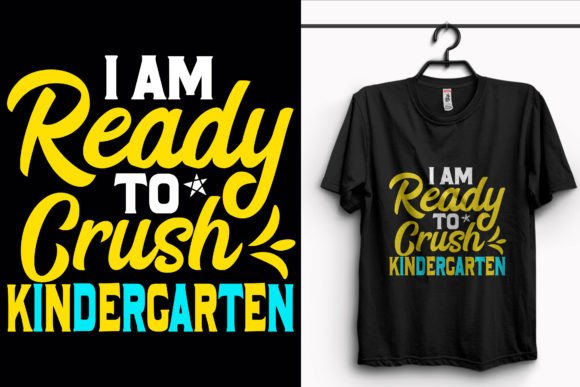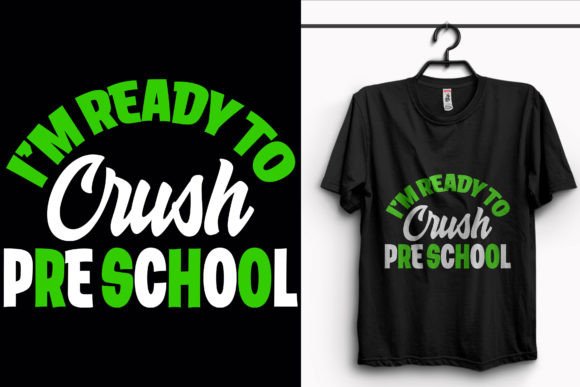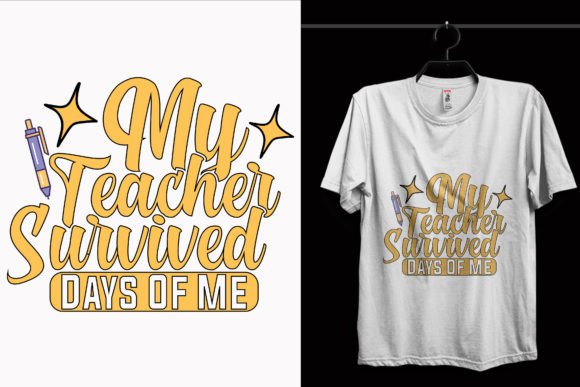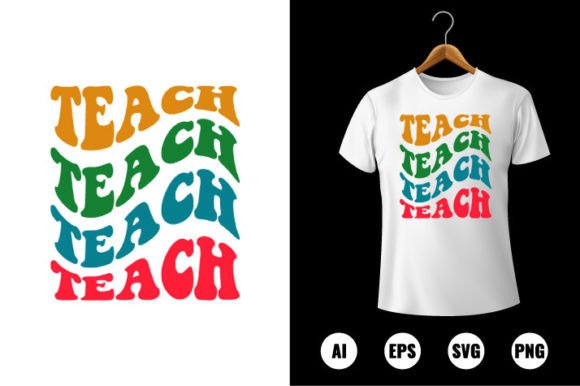
Teach T-shirt Design: Back to School Made Effortless for Educators, Parents & Creatives
If you’ve ever spent hours tweaking fonts, adjusting colors, or wrestling with layers just to get a classroom t-shirt design *right*—you’re not alone. Teach T-shirt Design solves that. It’s a ready-to-use, back-to-school-themed digital clip art collection built specifically for real-world flexibility—not just pretty pixels on screen. Think of it as your creative shortcut when time is tight, budgets are modest, and expectations (from students, parents, or school admins) are high.
What Exactly Is Teach T-shirt Design?
Teach T-shirt Design isn’t software, a subscription, or a template site—it’s a downloadable pack of professional-grade vector files centered around the spirit of learning, teaching, and returning to school. Each design carries warmth, energy, and intention: chalkboards, apples, pencils, graduation caps, and subtle nods to inclusivity and growth—all crafted to resonate across age groups and learning environments. What makes it different from generic clip art? Every element is 100% editable, scalable without blur, and delivered in formats that work seamlessly with both home printers and commercial garment printers.
Where This Design Pack Fits Into Real Life
Teachers aren’t designers—but they *are* event planners, morale boosters, and community builders. That’s where Teach T-shirt Design becomes quietly indispensable:
- Classroom Team Shirts: A 4th-grade teacher orders 25 shirts for “Science Explorers Week.” She swaps the default navy background for sunshine yellow in seconds using the included SVG file, adds her students’ names in a playful font, and sends it straight to the local print shop—no designer needed.
- School-Wide Spirit Days: A PTA volunteer coordinates a “Read Across the District” campaign. Instead of commissioning custom artwork (and waiting two weeks), she opens the AI file in Illustrator, replaces the apple icon with an open book, adjusts the color palette to match the district’s branding, and prints 120 stickers for student notebooks—all before lunch.
- Homeschool Co-ops & Learning Pods: A parent group of six families wants matching shirts for their fall nature study unit. They download the PNG version, drop it into Canva, add their pod name (“The Oak Leaf Learners”), and order through a no-minimum DTG printer. Total time invested: under 20 minutes.
- After-School Programs & Tutoring Centers: A literacy nonprofit launches a summer reading challenge. They use the editable vector shapes to create a series of printable posters, iron-on patches for reward badges, and even vinyl-cut decals for laptop sleeves—pulling from the same cohesive visual language.
Who Else Gets Real Value From This?
It’s not just educators. Graphic designers building portfolios for education clients appreciate having polished, licensable assets that skip the “starting from scratch” phase. Small business owners running craft fairs or Etsy shops use the SVG files to cut custom iron-ons for tote bags and aprons—no tracing or redrawing required. Even camp directors, youth pastors, and library staff find themselves reaching for these files when planning orientation swag or volunteer appreciation gear.
And because everything is delivered at 300 DPI and print-ready, there’s no guessing whether your design will hold up on a large-format canvas banner or a tiny enamel pin. You don’t need to know what “DPI” means—you just need to know your final product will look sharp.
Why File Formats Matter More Than You Think
The Teach T-shirt Design pack includes AI, EPS, PNG, and SVG—each serving a distinct purpose in your workflow:
- AI (Adobe Illustrator CC): Your go-to if you’re editing professionally—full layer control, path manipulation, and precise color replacement. Ideal for schools with design-savvy staff or small marketing teams.
- SVG: Perfect for Cricut, Silhouette, and other cutting machines—or for embedding directly into web pages and interactive PDFs. Teachers love this for quick sticker-making or digital classroom decorations.
- PNG: High-res, transparent-background files ready for drag-and-drop into Canva, Google Slides, or Microsoft Word. No design software? No problem.
- EPS: The reliable fallback for older print vendors who still prefer it—and a safe choice when submitting to large-scale screen printers.
All files retain full color editability. Change the apple from red to teal. Swap the chalkboard texture for a watercolor wash. Turn the entire composition monochrome for embroidery prep. Nothing is locked or flattened.
Practical Things to Keep in Mind Before You Start
While Teach T-shirt Design removes many friction points, a few real-world considerations help ensure smooth results:
- Know your printer’s requirements: Some DTG (direct-to-garment) services ask for RGB PNGs; others prefer CMYK AI files. Double-check before exporting—most platforms accept multiple formats, but confirming saves rework.
- Size matters—even with vectors: While you can scale infinitely, extremely tiny details (like fine chalk lines or tiny text under 6pt) may not translate cleanly to fabric printing or vinyl cutting. Zoom in and test at actual size before finalizing.
- Color accuracy isn’t automatic: Screens vary. If brand consistency is critical (e.g., matching school colors exactly), pull Pantone values from your source and manually adjust fills—don’t rely solely on on-screen previews.
- Licensing is clear, but boundaries exist: You’re free to use these for physical products (shirts, mugs, stickers), digital classroom materials, and promotional items for educational purposes. Reselling the raw files or claiming them as your original artwork isn’t permitted—but transforming them into something new? Absolutely encouraged.
Strengths That Stand Out—Without the Hype
What makes this more than just another clip art bundle? First, intentionality: every shape is built with real applications in mind—not decorative filler. Second, accessibility: you don’t need advanced design chops to adapt it meaningfully. Third, versatility: one purchase supports everything from a single hand-printed shirt to a district-wide campaign. And fourth, reliability—the files load consistently, layers stay organized, and exports behave predictably.
There’s no hidden complexity, no upsell ladder, and no learning curve longer than five minutes. It respects your time, your goals, and your role—whether you’re a first-year teacher prepping for open house, a veteran art specialist designing yearbook covers, or a parent volunteer trying to make learning feel joyful again.
When Simplicity Actually Scales
You’ll notice Teach T-shirt Design doesn’t try to be everything. It doesn’t include animated versions, 3D mockups, or social media templates—because those often distract from the core need: getting great-looking, meaningful designs onto real things, quickly. Its strength lies in doing that one thing exceptionally well. So if your goal is to spark excitement about learning—not debug file compatibility issues—this is the kind of tool that quietly changes what’s possible in an afternoon.