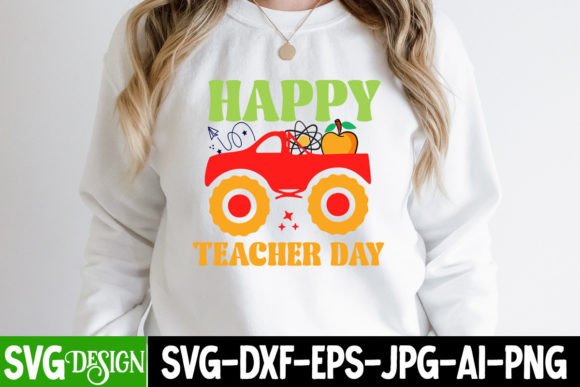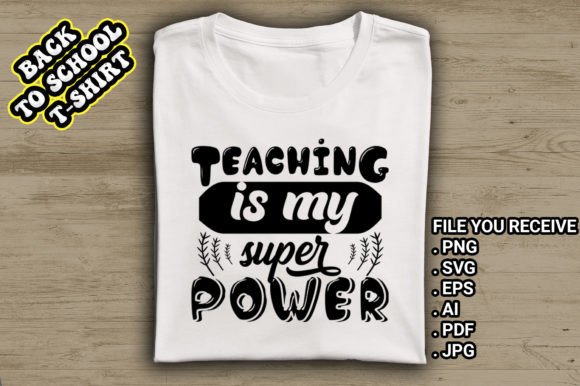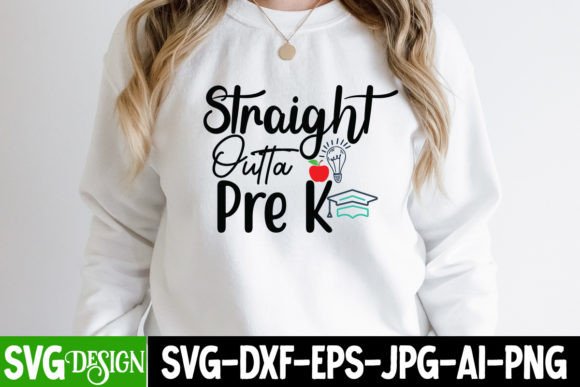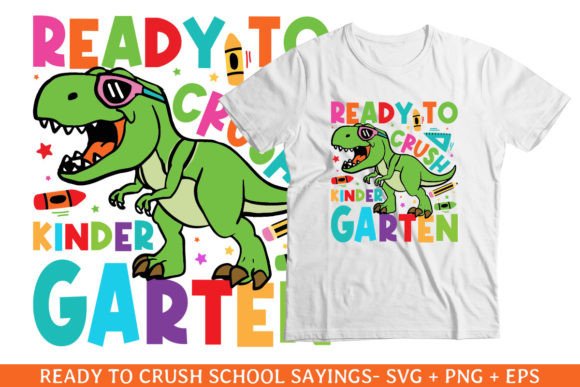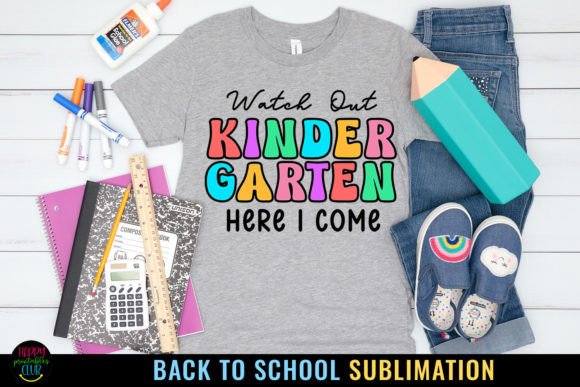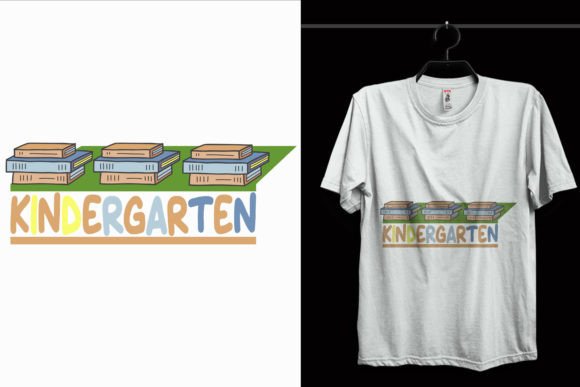
Kindergarten School T-Shirt Design
A Kindergarten School T-Shirt Design is a ready-to-use digital artwork created specifically for back-to-school apparel—think cheerful, age-appropriate graphics that resonate with young learners, parents, and educators. It’s not just a picture on a shirt; it’s a thoughtfully crafted visual tool that supports school spirit, classroom identity, and early learning themes like letters, numbers, animals, or friendly characters.
Why This Design Fits Real Needs
Whether you're organizing a kindergarten orientation, launching a small print-on-demand shop, or helping your child’s class create matching shirts for field day, this design saves time and eliminates guesswork. Its simplicity is intentional: clean lines, bold shapes, and balanced spacing ensure clarity—even on toddler-sized tees. No clutter, no confusion. Just instant recognition and warmth.
What You’ll Actually Receive (No Surprises)
You get six versatile file formats—1 SVG, 1 AI, 1 PNG, 1 PDF, 1 EPS, and 3 JPEGs—all built around the same high-resolution foundation: 4500×5400 pixels at 300 DPI in RGB color mode. That means crisp detail whether printed on cotton fabric, heat-pressed onto tote bags, or cut as vinyl decals for classroom windows.
- SVG & AI files let you edit individual elements—swap colors, rearrange icons, or resize text without pixelation.
- EPS & PDF are ideal for professional screen printers or local print shops that require vector compatibility.
- PNG & JPEGs work seamlessly with online POD platforms like Printful, Redbubble, or Teespring—just upload and go.
Easy Customization, Even If You’re New
You don’t need design experience to make this your own. With over 100 vector shapes included, every element—from stars and apples to smiling suns and ABC blocks—is fully editable. Change the main color in seconds using any vector editor. Adjust size without quality loss. Flip, rotate, or layer parts freely. A teacher might add their school name in a different font. A parent could swap “Kindergarten” for “Pre-K” before ordering. An entrepreneur can test multiple colorways for market feedback—all from one set of files.
Where This Design Works Best
This isn’t limited to t-shirts. Because it’s built for flexibility, it adapts across many real-world uses:
- Classroom materials: Print it on welcome signs, name tags, or laminated flashcards.
- Digital projects: Drop the PNG into Canva to build invitations, newsletters, or social media posts for open house.
- Vinyl crafting: Import the SVG into Cricut Design Space or Silhouette Studio to cut iron-on transfers for backpacks or lunchboxes.
- Small business tools: Use the EPS version to brand reusable water bottles, stickers, or even custom classroom posters sold through Etsy.
For educators, it adds polish without extra prep time. For creators, it’s a low-risk starting point to explore education-themed designs. For entrepreneurs, it’s scalable—use one layout across multiple products while keeping branding consistent.
Practical Tips Before You Start
Before diving in, keep these realistic considerations in mind:
- Know your printer’s requirements. Some screen printers prefer EPS or PDF; others need RGB JPEGs. Always confirm first—especially if ordering bulk runs.
- Test color changes early. While the design allows easy recoloring, certain combinations (e.g., light yellow on white) may not stand out well on fabric. Try printing a small sample or previewing on a mockup generator.
- Check sizing for age groups. The 4500×5400 resolution gives plenty of room to scale down for youth sizes (like 3T or 5T) or up for adult staff shirts—no distortion, no reworking needed.
- Respect usage rights. These files are for personal and commercial use, but they’re not meant for resale as standalone digital assets. You’re free to sell the final printed product (shirts, mugs, etc.), not the source files themselves.
Who Benefits Most—and How
A busy kindergarten teacher might download this design Friday afternoon, customize it with her class mascot by Sunday morning, and have 25 shirts ready for Monday’s photo day. A freelance designer could use the vector layers as a base to build a full “Back to School Bundle” for clients—adding coordinating patterns, fonts, and alternate layouts. A mom running a small craft business might pair it with iron-on transfer paper to offer personalized shirts at her local farmers’ market.
Even if you’re just starting out with design software, the included formats mean you can begin with what feels comfortable—PNG for quick uploads, SVG for simple tweaks in free tools like Inkscape, or AI if you already use Adobe Creative Cloud.
Final Thought: Value Beyond the File
What makes this Kindergarten School T-Shirt Design truly useful isn’t just its technical specs—it’s how it removes friction. It bridges intention and execution. You want to celebrate learning, build community, or launch a product idea—but you don’t want to spend hours learning vector paths or troubleshooting print errors. This design delivers readiness—not just pixels, but practicality.
If you're looking for eye-catching, education-focused apparel art that works across devices, platforms, and skill levels, this is a grounded, no-stress choice. And if you enjoy this style, there are more designs like it—each built with the same attention to usability, quality, and real-life application.